IndustriesRestaurants & cafés
Where QuickTap started, and still where we ship the most. We run the full stack for food and drink businesses, from the brand and the menu on the table to the till, the kitchen screen, the M-Pesa payment and the numbers the owner checks at night.
A normal day today
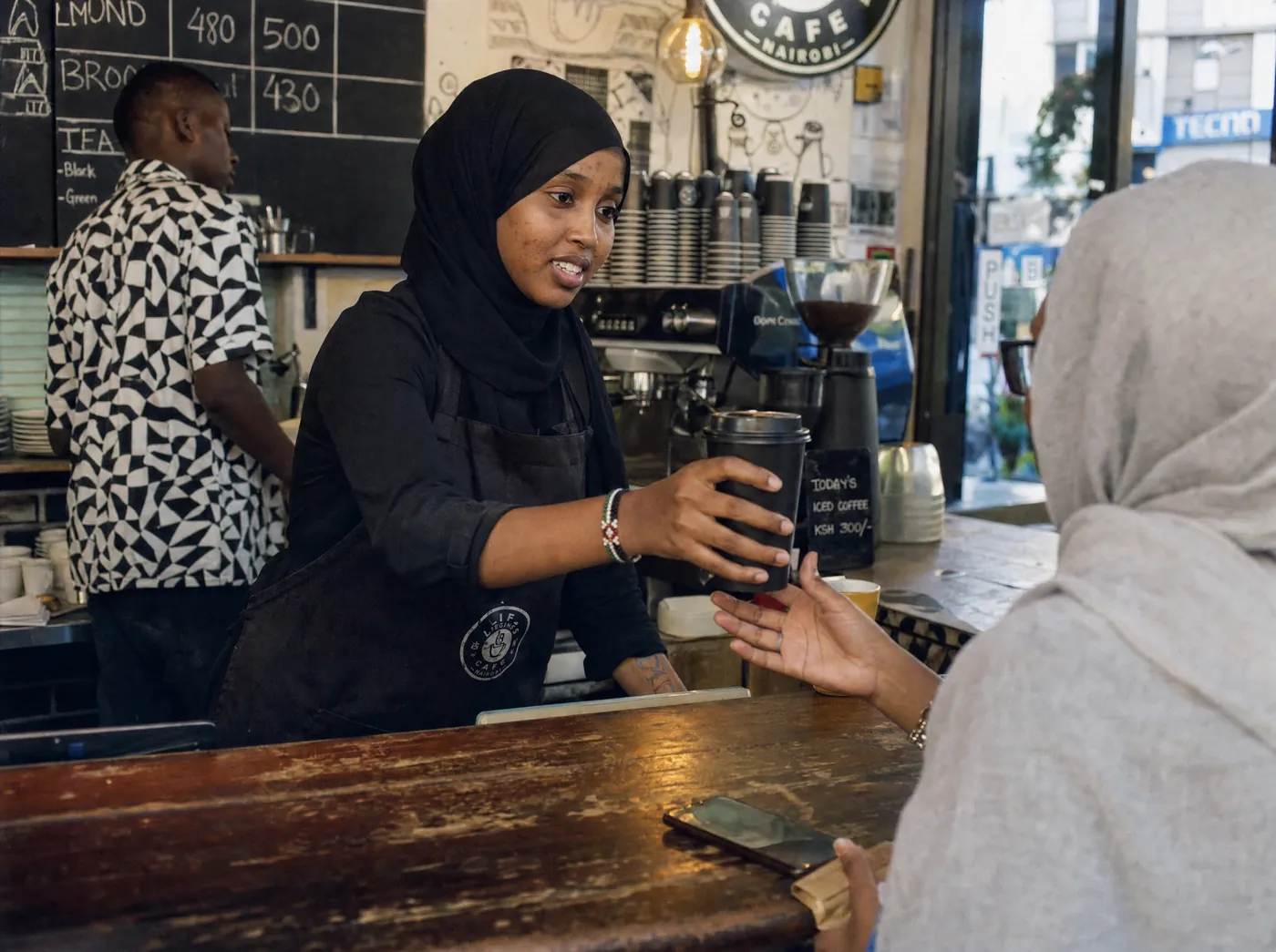
Friday, eight o’clock, every table full. Waiters write orders on a pad, then queue at the till to type them in again. A guest holds up an M-Pesa message and someone screenshots it as proof. At close, the drawer, the M-Pesa statement and the kitchen tickets each tell a different story.
The problem
Five steps, on a sample café floor.

Restaurants & cafés
Faster tables. Fewer mistakes. Every order counted.
What we build for restaurants & cafés
 1
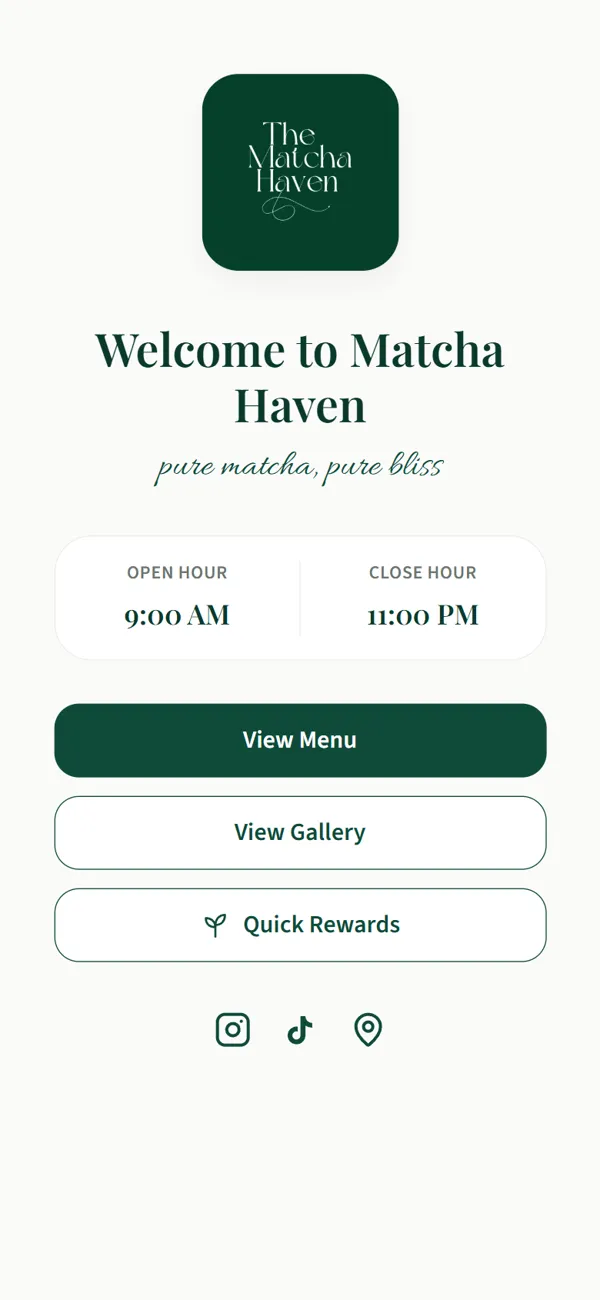
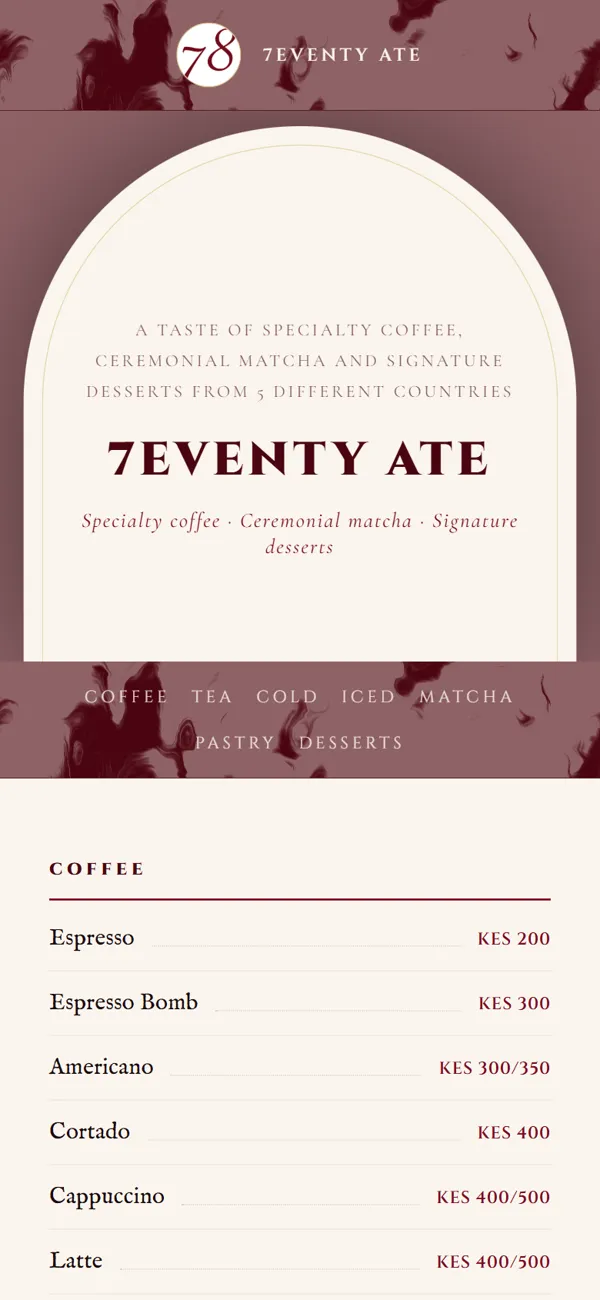
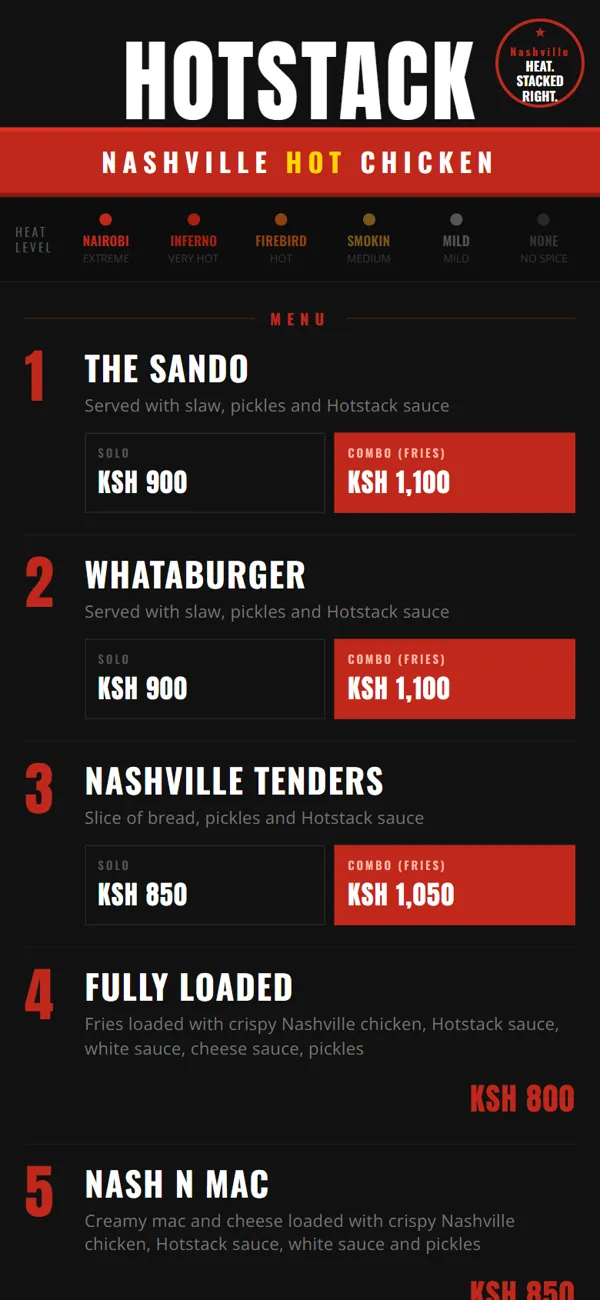
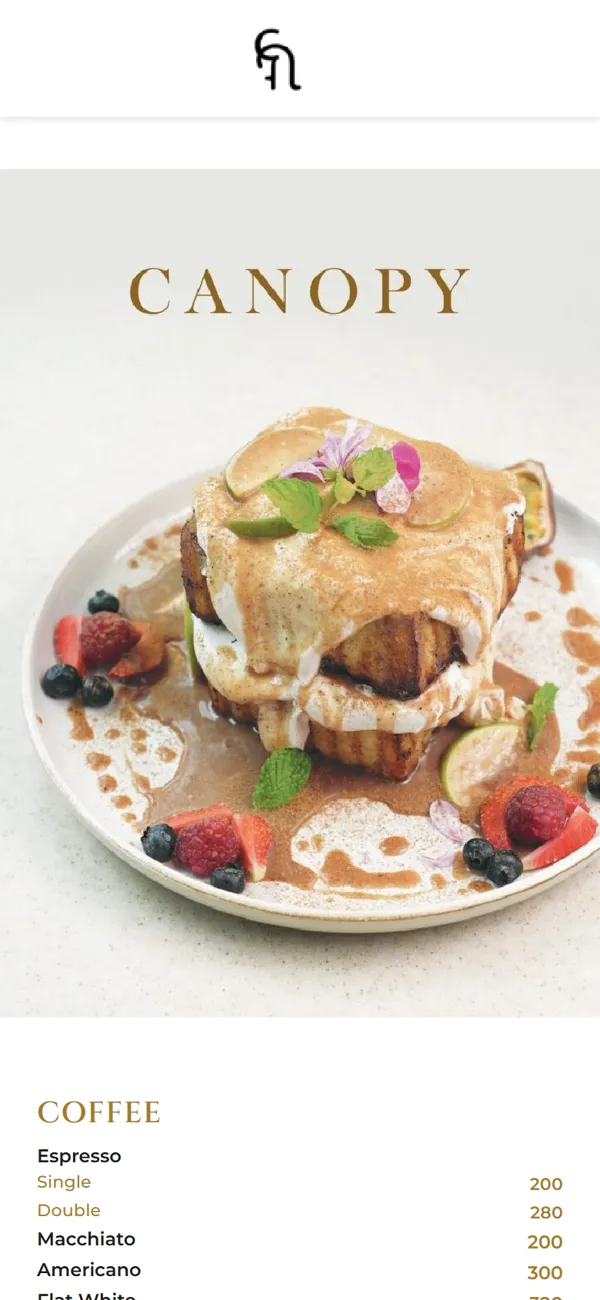
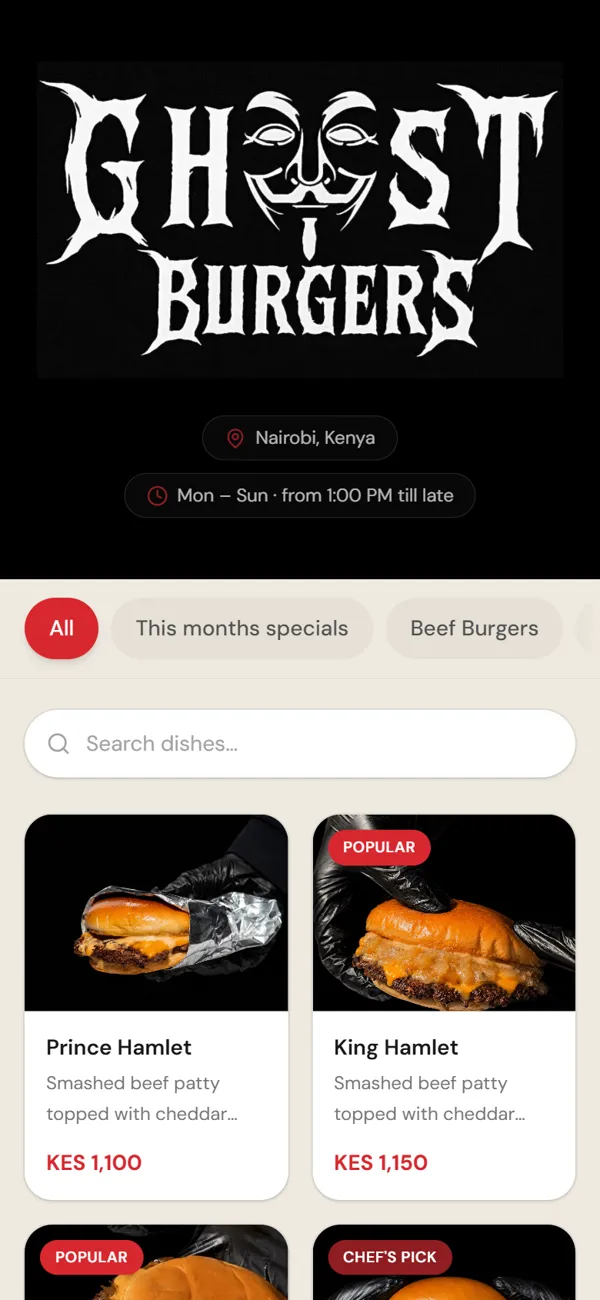
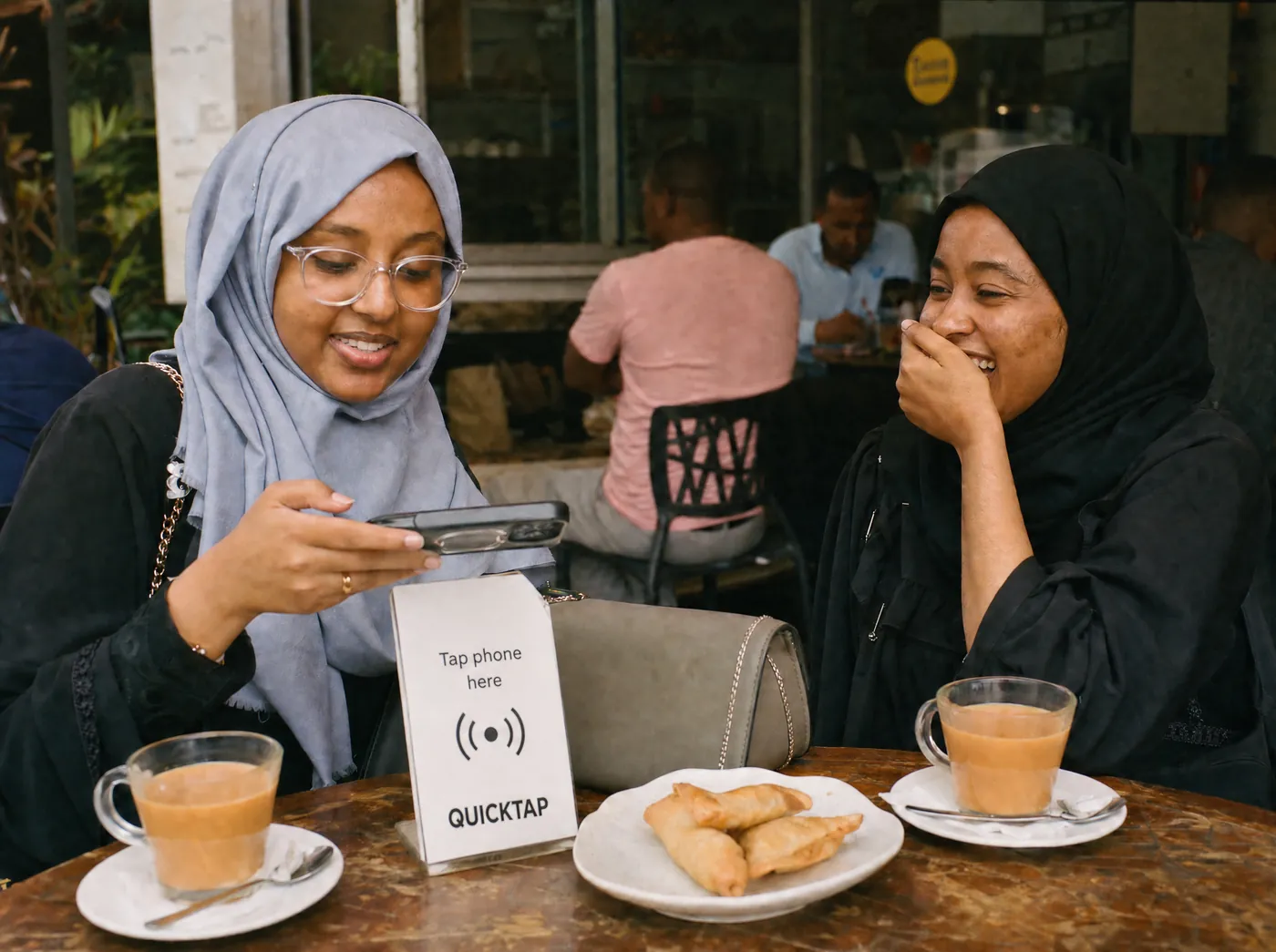
1Guests tap the stand, order from their seat and pay by M-Pesa or card. The order lands on the kitchen screen and the till at the same moment, so nobody types it twice. Waiters spend the rush serving, not queueing.
 2
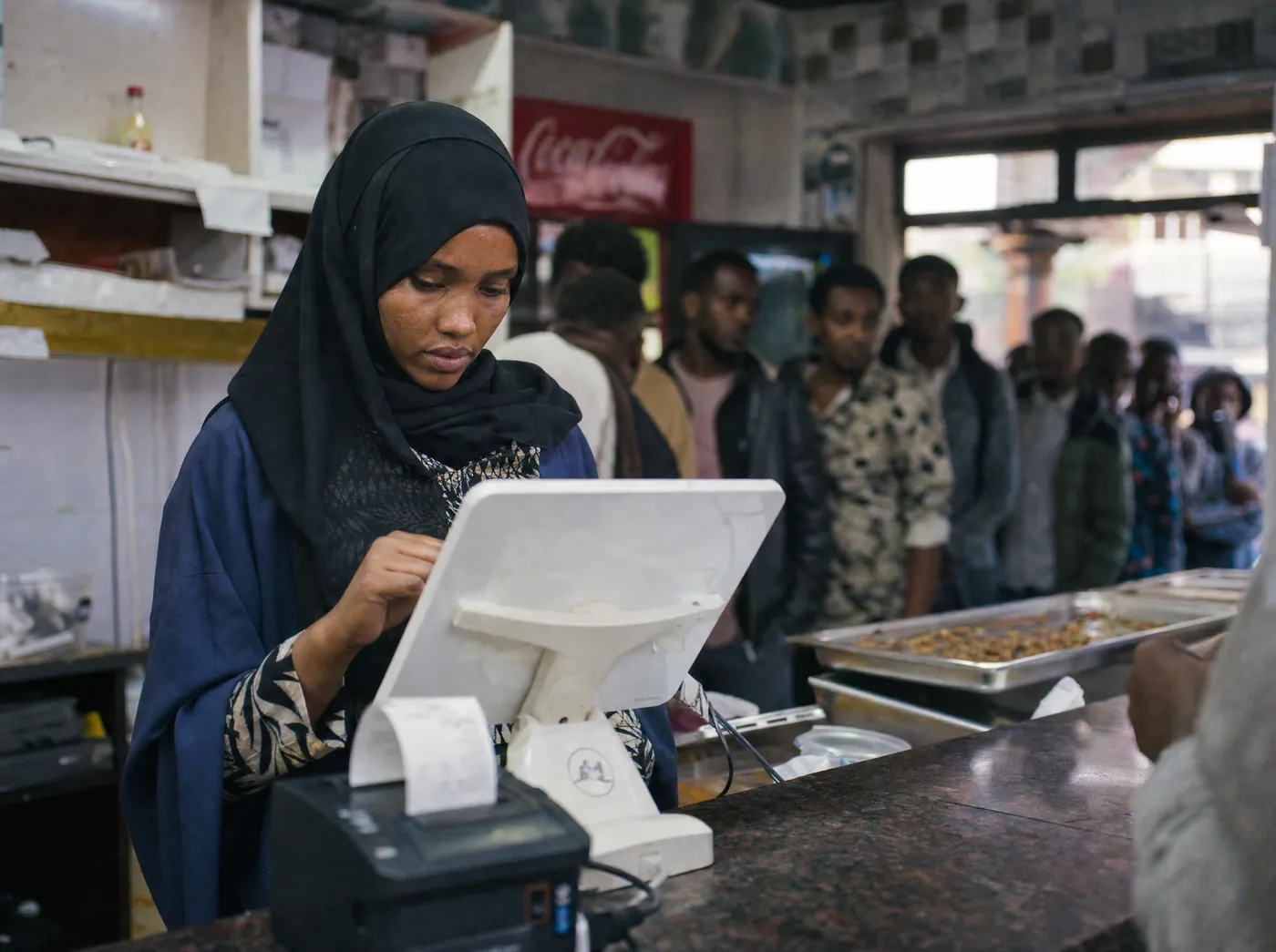
2Every branch sells on the same system, with recipes that take stock off as dishes leave the pass. Tonight’s takings, best-sellers and voids by branch sit on your phone before the manager calls.
 3
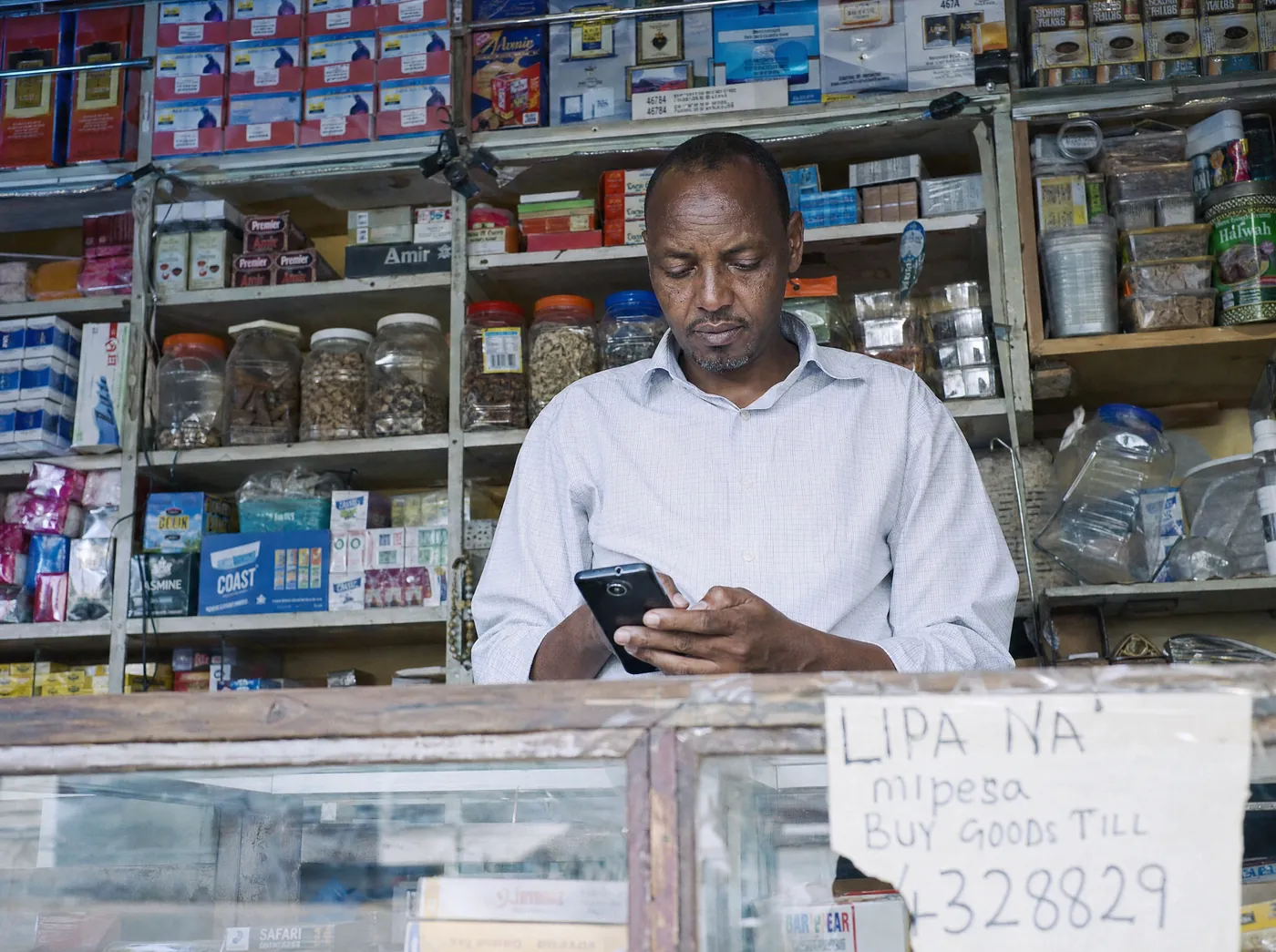
3Guests reserve a table, check opening hours or reorder their usual on WhatsApp and get an answer straight away. When a guest needs a person, your team picks it up from one shared inbox.
 4
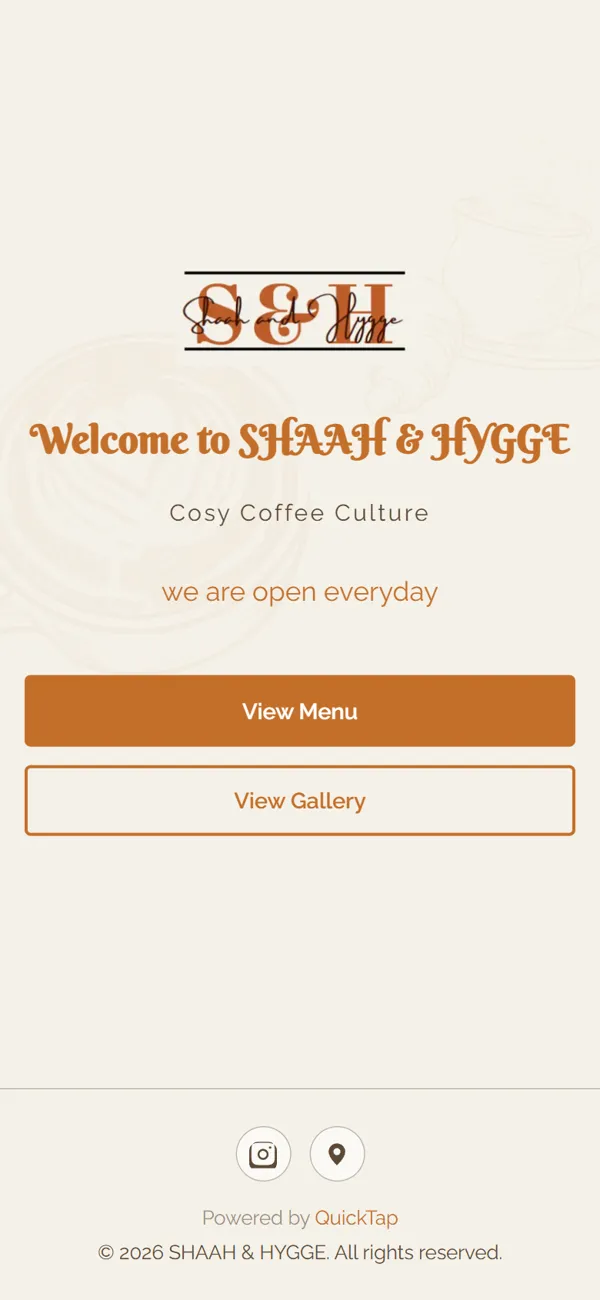
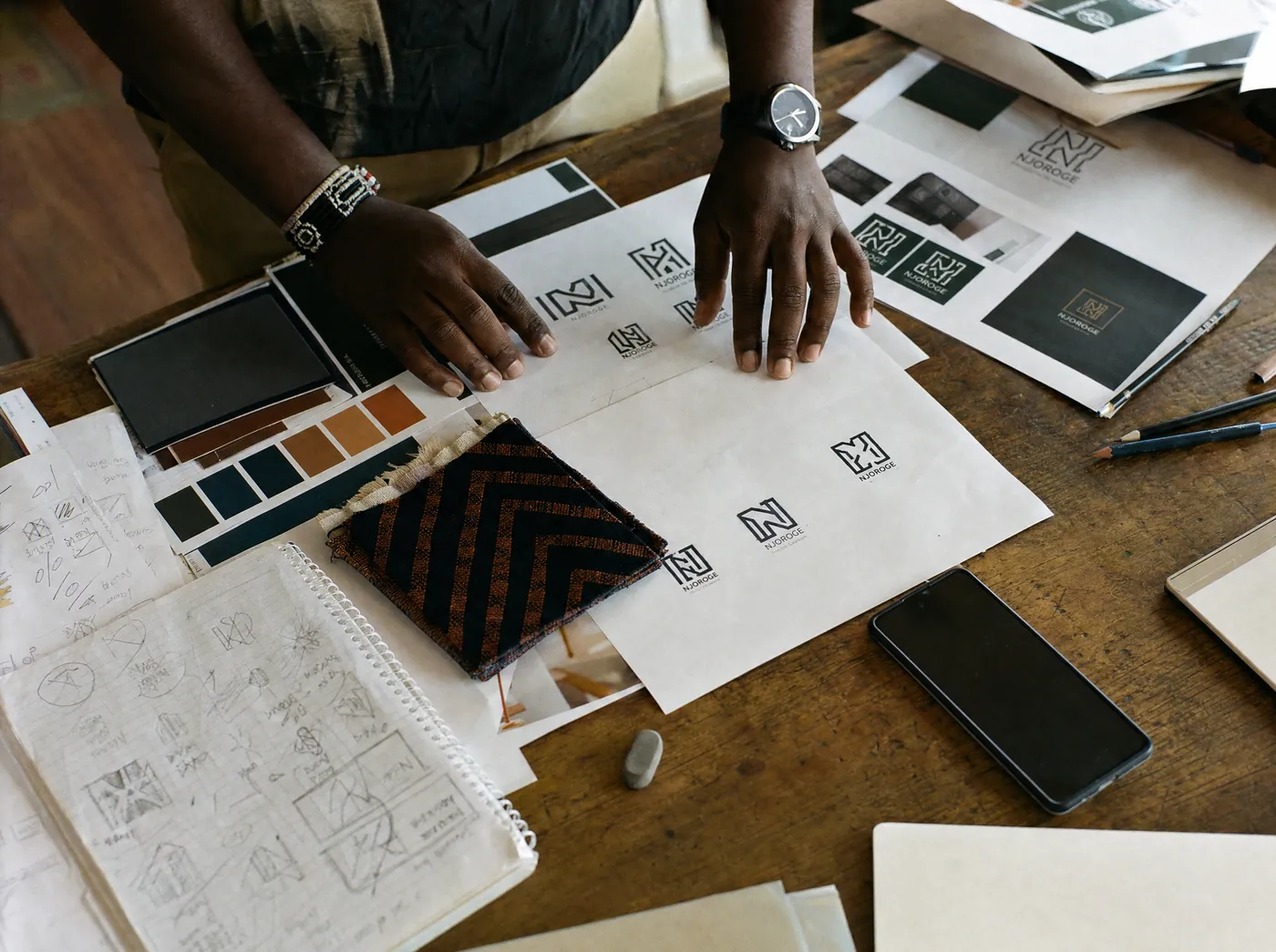
4Logo, menu layout, signage and food photography that feel like the place you built. The same photos feed your digital menu and your Instagram, so every channel looks like one business.
What changes
Starting out
Most places start with tap menus on every table, set up with the manager and head chef. Once guests are using them, we link ordering to the till and the kitchen screen, then add M-Pesa and branch reports in the same system.
Book a scoping callThe fix
Tills, stock and M-Pesa for restaurants, shops and chains.


Tap-or-scan menus and table ordering for hospitality.


M-Pesa, Stripe and Flutterwave inside your app, site or system.



Live dashboards for sales, stock and finance.



Orders, bookings, updates and AI replies on WhatsApp.
Logos and identity systems that work everywhere.



Work in this sector
Questions
No. Tapping the stand or scanning the code opens the menu in their phone’s browser. It works on any smartphone, over mobile data or your Wi-Fi.
The till keeps selling offline and catches up when the connection returns. Service carries on and no sale is lost.
Yes. Receipts from the till are eTIMS-ready, so what you sell and what you declare to KRA come from the same record.
A free call. You leave with an approach, a timeline and a price range.