
Every branch on one set of numbers.
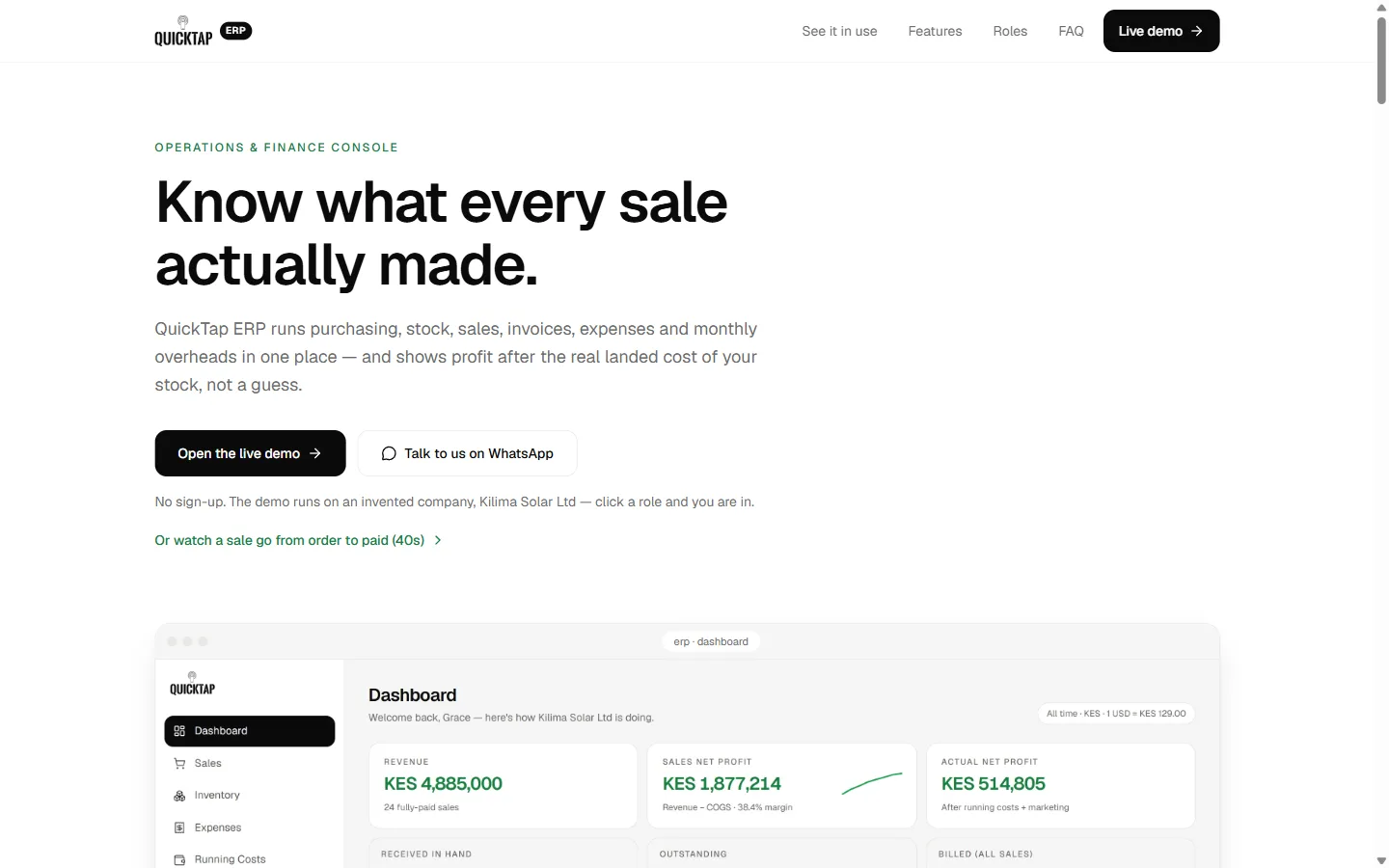
Purchasing, stock, sales and expenses in one system, with profit worked out on the real landed cost.
What gets in the way.
- Each branch on its own spreadsheet.
- Stock transfers that go missing between sites.
- Profit unknown until the month is over.
- Approvals chased by phone call.
The systems behind it.
Business system (ERP)
Purchasing, stock, sales, invoices and expenses in one place, with profit worked out on the real landed cost.
Details and live demoDashboards & reports
Your sales, stock and branches on one live screen, pulled from the systems you already use.
DetailsQuickTap POS
A till that takes M-Pesa, card and cash, tracks your stock and shows you the day on your phone.
Details and live demoCustom app or software
Mobile apps, portals and internal tools built around how you work. You own the code and the data.
Details
A normal day, start to finish.
01
Sell
Each branch sells on the same POS.
02
Buy
Purchasing runs through approvals with a full audit trail.
03
Cost
Profit worked out on the real landed cost.
04
See
Sales, stock and branches on one live dashboard.
One source of truth
No more spreadsheets that disagree.
Controls built in
Approvals, roles and a full audit trail.
Compliance handled
eTIMS invoicing and statutory reports built in.
- 1A call to understand how you work today.
- 2A written scope and price before anything starts.
- 3Set up on site, with your menu, stock or rooms moved in.
- 4Your team trained, and support after go-live.
Questions owners ask.
Can you move our existing data in?
Yes. Your data is moved in as part of the setup.
Can we see every branch on our phones?
Yes. Dashboards pull from POS, ERP and sheets and work on your phone.
Does it cover HR and payroll?
Yes. Finance, stock, purchasing, HR and payroll are part of the ERP.
Tell us what you need.
Explain how your business works and what the software should do. We reply within one working day.